Your plan on paper
Your contacts, meeting places, neighbours' numbers and local radio stations, printed.
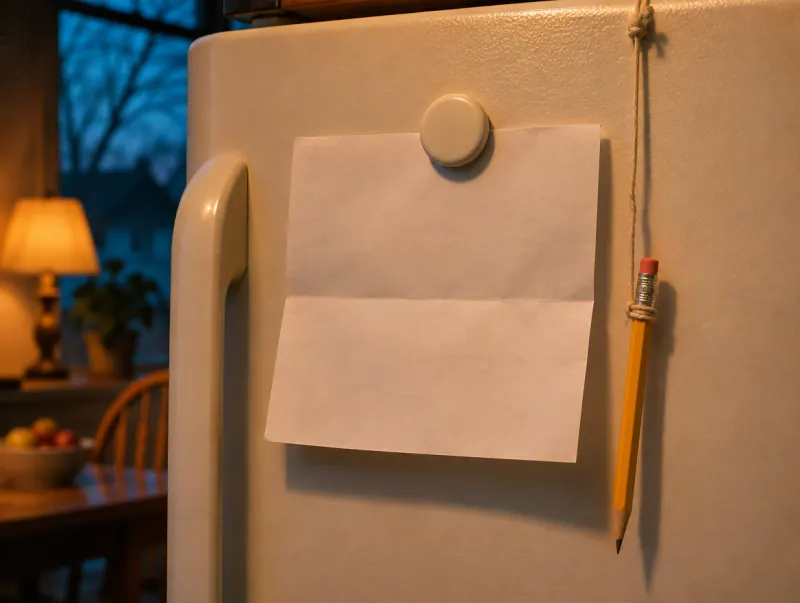
What it's for
- Works when every phone is flat.
- Lets anyone at home follow the plan, not only the person who wrote it.
- Holds the numbers you swapped with neighbours.
Keep it readyPrint it from My plan, keep a copy on the fridge, and update it when numbers change.
How to use it
- Write a meeting place near home, a second place outside the area, and a contact outside the area. Add a route and alternatives.
- Give everyone a copy and agree when to switch to the fallback plan if no one can get through by phone.
- Walk to the nearby meeting spot together. Ask each person to point to the next step on their copy, then update copies when details change.
It can stand in for
- Mobile phoneA plan on a dead phone is no plan at all.
Related lessons
- The one-evening planTwo contacts and two meeting places, written down, that everyone at home knows.About 45 minutes · Free
- A check-in with your neighboursYou and one or two neighbours have agreed how you'll check on each other when the power is out.About 30 minutes · Free
- News when phones and internet are downA radio you know how to use, a written list of local stations, and a phone that gets emergency alerts.About 40 minutes · Low cost
When it helps
- Phones and internet downLocal news on the radio, plans on paper, and ways to reach neighbours without a cell tower.
- Told to leave homeA bag for each person, papers and keys together, and a route that doesn't need a phone.
In an emergency, call 911. WeVenture isn't an emergency service.
This guide says what things are for. It's a plain summary, not a guarantee, and it never asks what you have. Amounts, times and distances are in the lessons, beside the official pages they come from.
Where this comes from
This page follows these official pages:
More in news and talking
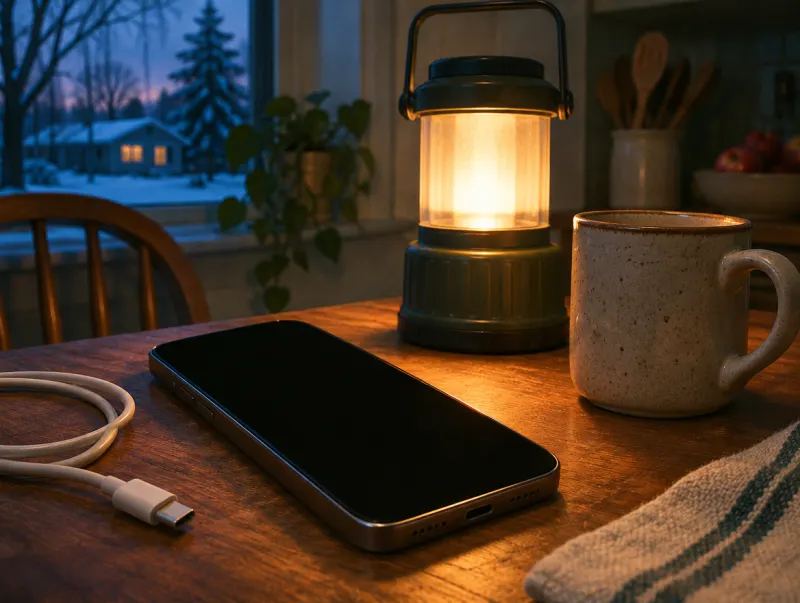 Mobile phoneThe phone you already carry, kept charged and used sparingly in an outage.
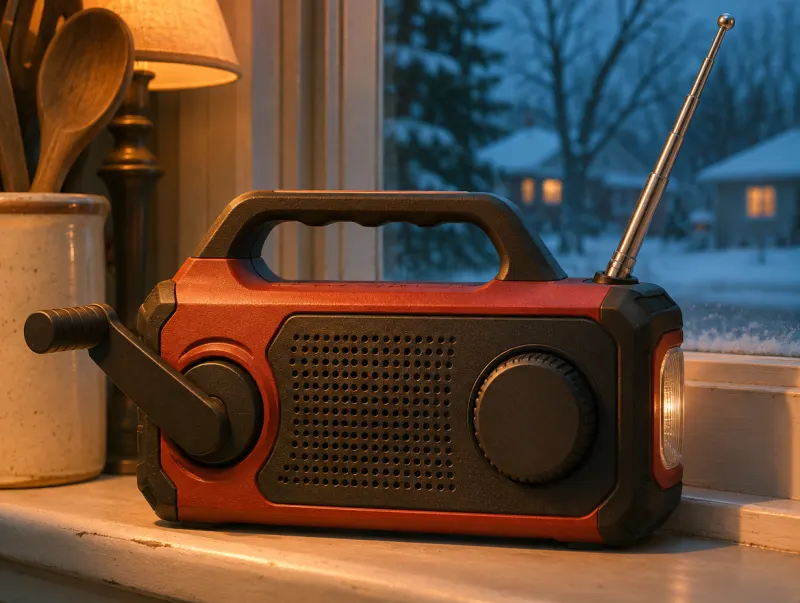 Battery or wind-up radioA radio that runs on batteries or a hand crank, with no internet needed.
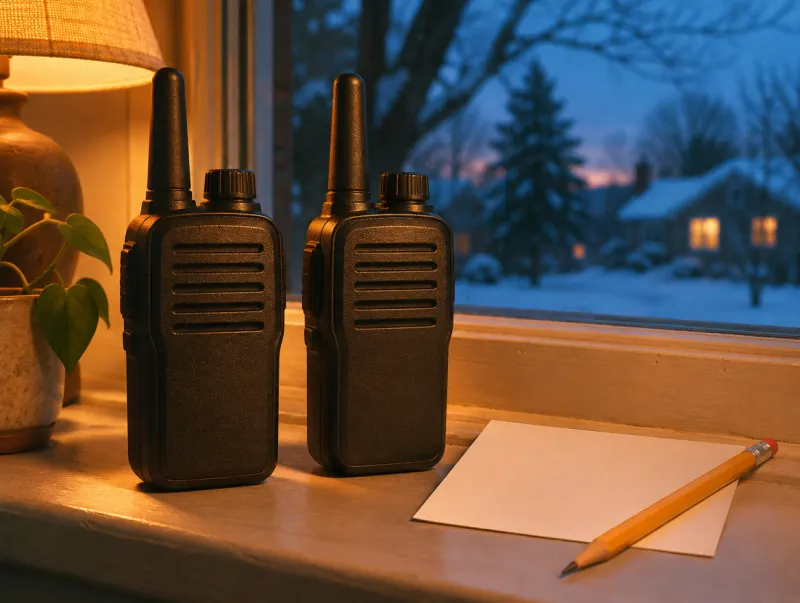 Two-way radios (FRS or GMRS)Hand-held radios for talking with nearby homes, with no licence needed for ones certified for Canada.
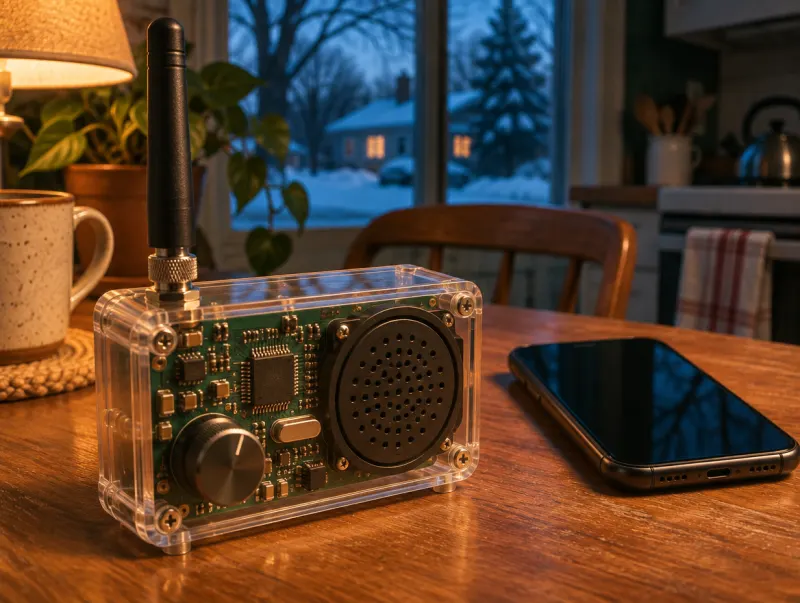 Meshtastic radio nodeA small radio that sends short texts to other nodes nearby, passing them along across a neighbourhood.
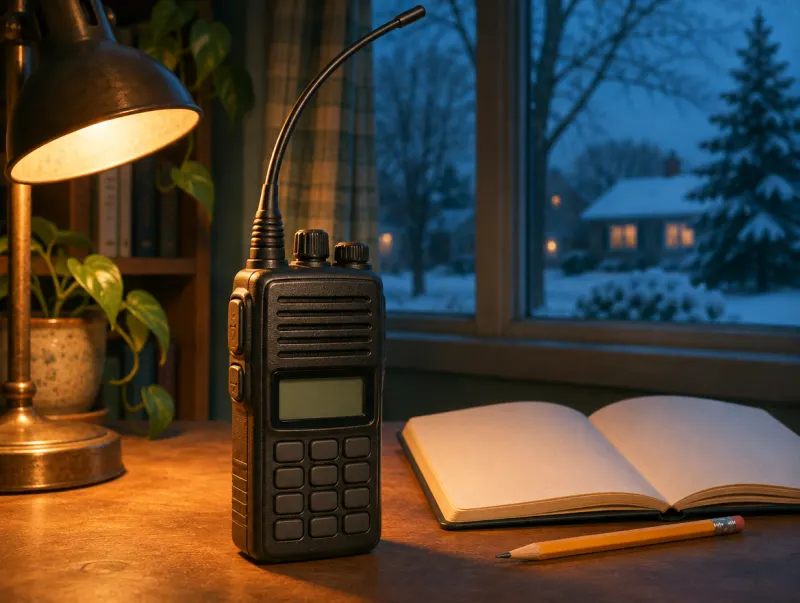 Amateur radio handheldA hand-held radio for the amateur bands, which you need a certificate to transmit on.
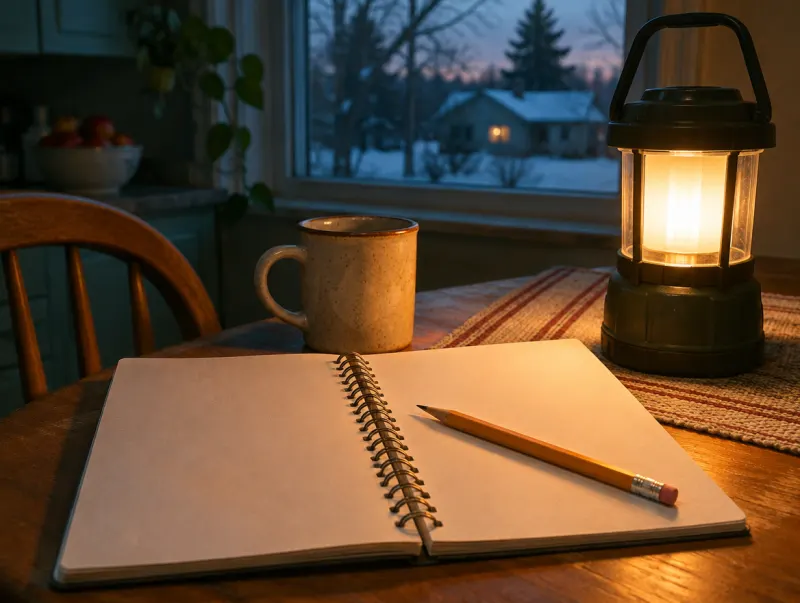 Notebook and pencilPaper that needs no battery, and a pencil that never runs dry.
Knowing how beats owning more
Members do one small challenge a week, keep a private plan for their home, and compare notes under a handle. Nobody is ever asked what they have.
Open it in the app