Mobile phone
The phone you already carry, kept charged and used sparingly in an outage.
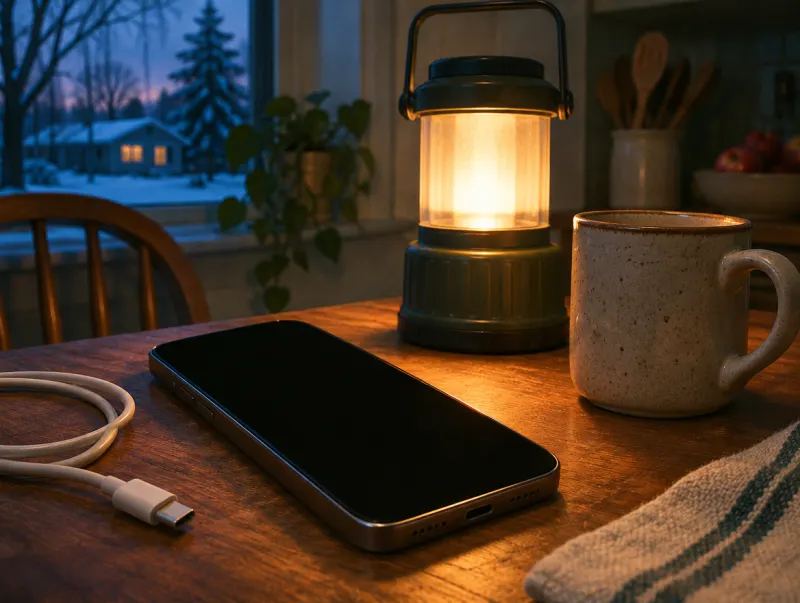
What it's for
- Receives emergency alerts on compatible phones with no sign-up.
- Texts can get through when calls can't, though nothing is guaranteed.
- Pairs with a mesh radio node to read and type messages without a cell network.
Keep it readyIn an outage, turn on power saving, dim the screen and use airplane mode between checks.
Be carefulYou can't text 911. In an emergency, call. If you charge a phone in the car, never let it idle in a garage.
How to use it
- Save your meeting points, key numbers and an offline map while you have service. Open the map with mobile data and Wi-Fi off to confirm it was downloaded.
- During a disruption, dim the screen and enable low-power mode. Send a short check-in with your location, plans and next check-in time.
- Confirm that someone received the message. If the network is unavailable, follow the agreed fallback in your paper plan.
If you don't have one
- Your plan on paperA plan on a dead phone is no plan at all.
- Paper mapMap apps need a charge and often a signal.
- Notebook and pencilNotes on paper are still there when the phone is flat.
Related lessons
- Lights outLight you can find in the dark in every room you'd use, and a phone that stays charged.About 20 minutes · Low cost
- News when phones and internet are downA radio you know how to use, a written list of local stations, and a phone that gets emergency alerts.About 40 minutes · Low cost
- The one-evening planTwo contacts and two meeting places, written down, that everyone at home knows.About 45 minutes · Free
- Off-grid text with a Meshtastic meshTwo Meshtastic nodes set up for Canada's licence-exempt 902-928 MHz band, on a private channel, that can text each other with no cell service or internet.About 2 hours · Moderate: two small radio boards with antennas
When it helps
- Power out for a nightLight you can find in the dark, news without the internet, and a hot meal cooked safely.
- Phones and internet downLocal news on the radio, plans on paper, and ways to reach neighbours without a cell tower.
- Told to leave homeA bag for each person, papers and keys together, and a route that doesn't need a phone.
- Someone's hurtA kit everyone can find, and hands that have practised using it.
In an emergency, call 911. WeVenture isn't an emergency service.
This guide says what things are for. It's a plain summary, not a guarantee, and it never asks what you have. Amounts, times and distances are in the lessons, beside the official pages they come from.
Where this comes from
This page follows these official pages:
- Canada: power outages
- Canada: emergency kit checklist
- Canada: steps to stay connected
- Ontario: be prepared
- Public Safety Canada: emergency alerts on phones
- Environment Canada: Weatheradio
- Canada: make an emergency plan
- ISED: RSS-247, licence-exempt devices in 902-928 MHz
- Meshtastic: introduction
- Meshtastic: getting started
- Meshtastic: initial configuration
- Meshtastic: LoRa region settings
- Meshtastic: joining a mesh
More in news and talking
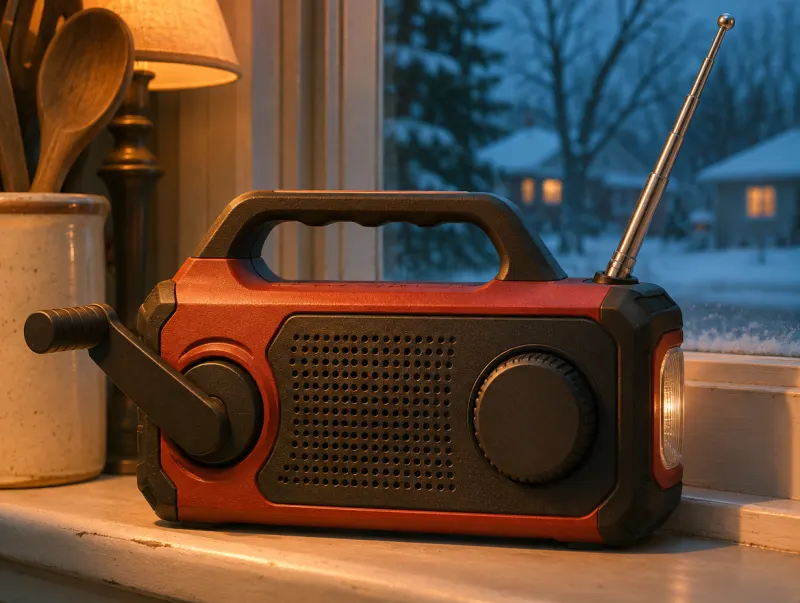 Battery or wind-up radioA radio that runs on batteries or a hand crank, with no internet needed.
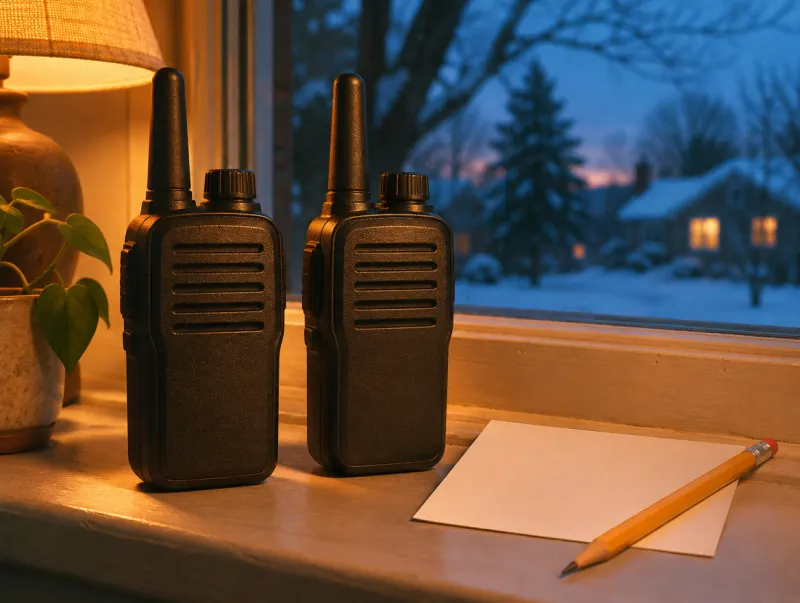 Two-way radios (FRS or GMRS)Hand-held radios for talking with nearby homes, with no licence needed for ones certified for Canada.
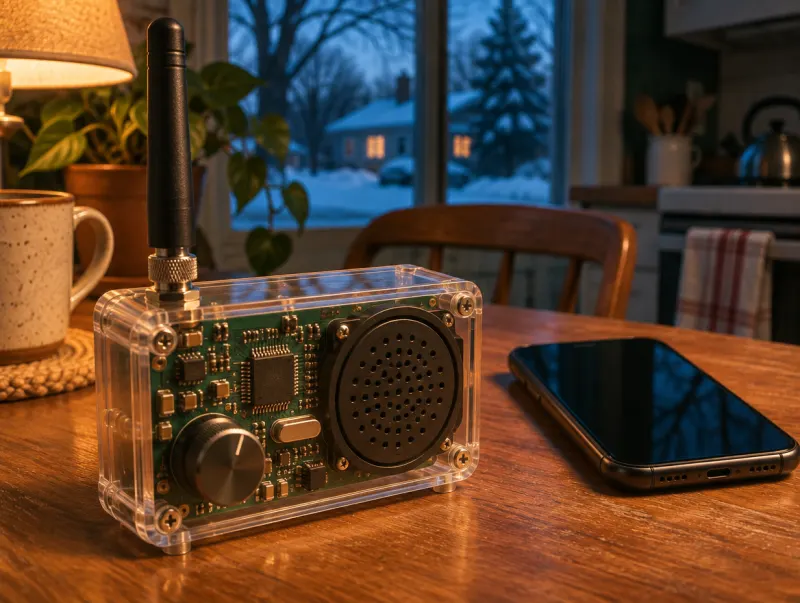 Meshtastic radio nodeA small radio that sends short texts to other nodes nearby, passing them along across a neighbourhood.
 Your plan on paperYour contacts, meeting places, neighbours' numbers and local radio stations, printed.
 Amateur radio handheldA hand-held radio for the amateur bands, which you need a certificate to transmit on.
 Notebook and pencilPaper that needs no battery, and a pencil that never runs dry.
Knowing how beats owning more
Members do one small challenge a week, keep a private plan for their home, and compare notes under a handle. Nobody is ever asked what they have.
Open it in the app