Off-grid text with a Meshtastic mesh
Two Meshtastic nodes set up for Canada's licence-exempt 902-928 MHz band, on a private channel, that can text each other with no cell service or internet.
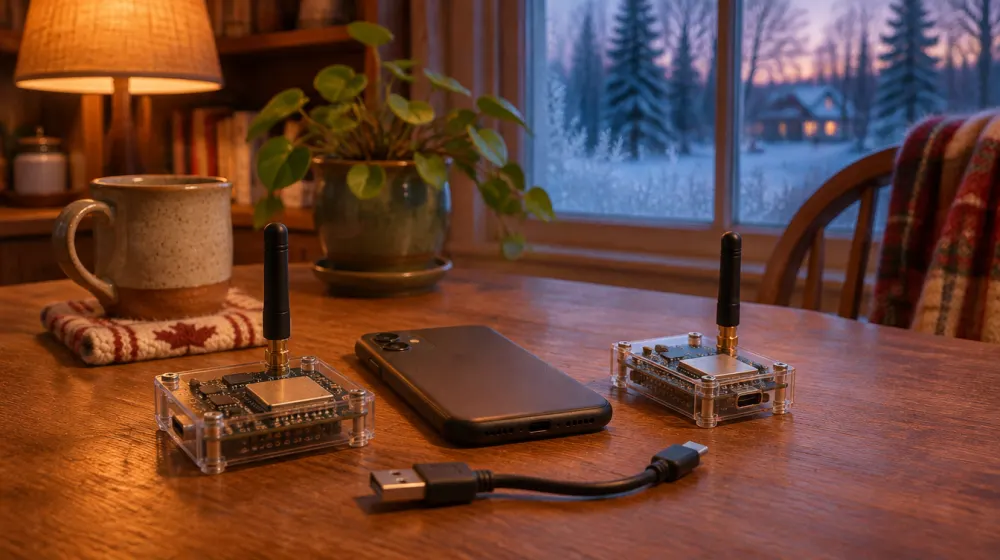
- About 2 hours
- Moderate: two small radio boards with antennas
Steps
- Know what a mesh isMeshtastic radios send short text messages to each other using LoRa radio, without cellular, Wi-Fi or internet. Each radio rebroadcasts what it hears, so messages can hop across a neighbourhood. You pair a phone with your radio to read and type messages.
- Know the band rules in CanadaDevices in the 902-928 MHz band that are certified under ISED's standard RSS-247 are exempt from licensing. Buy boards certified for Canada, and set the region covering 902 to 928 MHz, which Meshtastic calls US. Skip the amateur region codes, which need an amateur licence.
- Set up the first nodeAttach the antenna before you ever power it on, since running without one can damage the radio. Flash the firmware using the guide for your board, connect from the Meshtastic app over Bluetooth or USB, and set the region. The node won't transmit until the region is set.
- Match the second nodeSet up the second node the same way, with the same region and the same modem preset. Nodes on different presets can't hear each other at any distance. If there's a mesh near you already, ask local groups which settings it runs.
- Add a private channel for your groupLeave the primary channel at its default and add your group as a secondary channel. Share it in person with the channel QR code or link, which carries the name, key and radio settings together.
- Test with a direct messageSend a direct message from one node to the other. Only the other node's acknowledgement confirms it arrived. Then carry one node farther away and try again to learn your range.
Be careful
Never power on a node without its antenna attached.
Questions people ask
What frequency does Meshtastic use in Canada?
The 902-928 MHz band. Devices in that band certified under ISED's standard RSS-247 are exempt from licensing, so buy a board certified for Canada.
Source: ISED: RSS-247, licence-exempt devices in 902-928 MHz
Which Meshtastic region do you pick in Canada?
The one Meshtastic calls US, which covers 902 to 928 MHz. Skip the amateur region codes, which need an amateur licence. A node won't transmit until its region is set.
Source: Meshtastic: LoRa region settings
Why can't my two Meshtastic nodes see each other?
Check that both are on the same region and the same modem preset, since nodes on different presets can't hear each other at any distance. Meshtastic notes that a node whose region was first set from its own screen can start on a different preset from one set up in the app.
Source: Meshtastic: LoRa region settings
When it's done
You can set up two mesh radios that text without cell service.
Doing it together
Bring your nodes, check everyone is on the same region and preset, and join the group's private channel from one QR code. Then spread out around the block and send direct messages until you know where the gaps are.
In an emergency, call 911. WeVenture isn't an emergency service.
This lesson is a plain summary of the official advice cited below, not a guarantee, and no single plan fits every home. Follow local officials in a real emergency.
Where this comes from
How it went for people
Nobody has shared how it went yet.
Do it, then say how it went
Members mark lessons done, keep a private plan for their home, and compare notes under a handle.
Join to post